Install
Open the downloaded installer and follow the steps. Qdrive goes into Applications on a Mac, or installs for your account on Windows.
Qdrive runs on your desktop. Install it, sign in, and choose the folders to keep backed up.
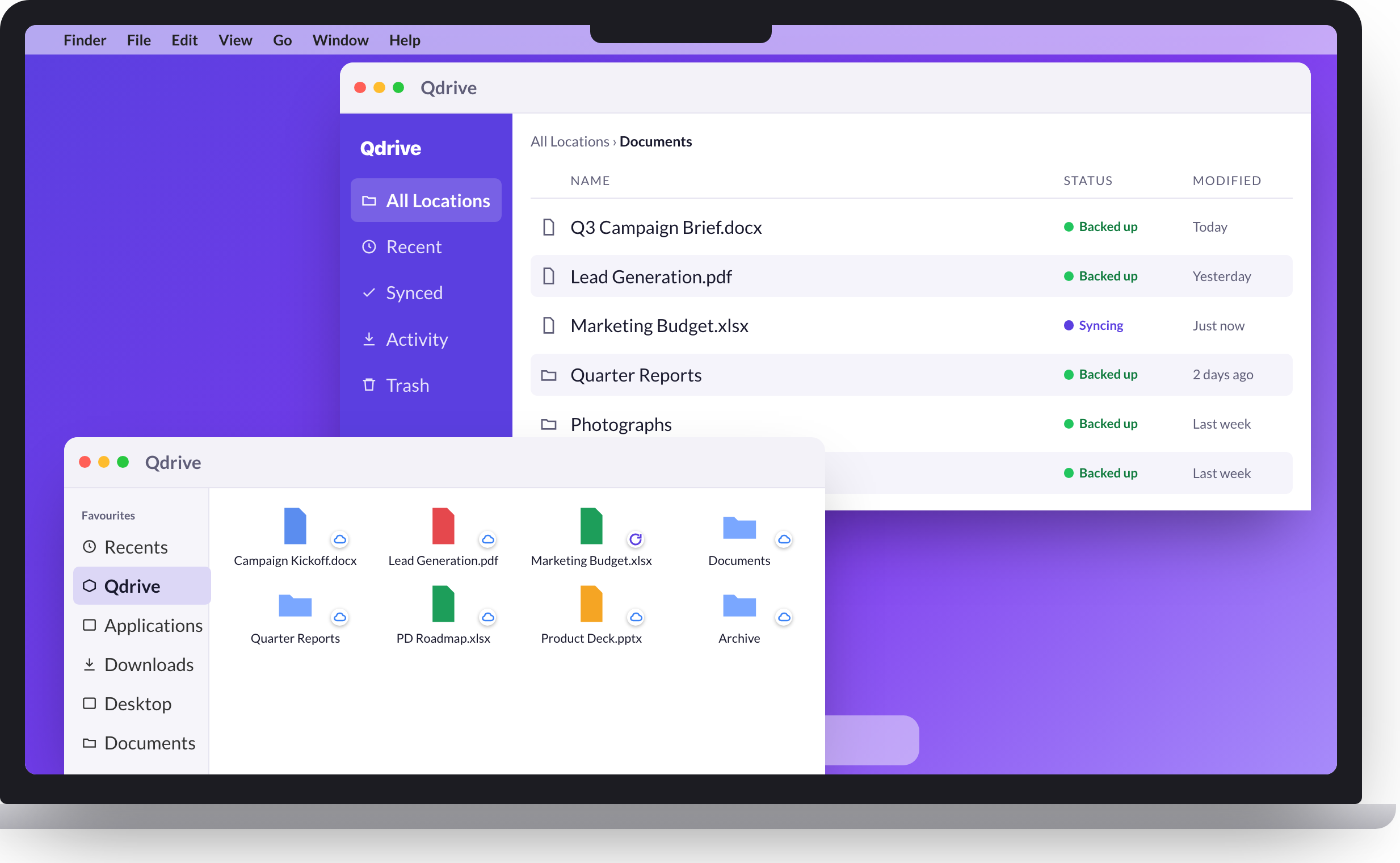
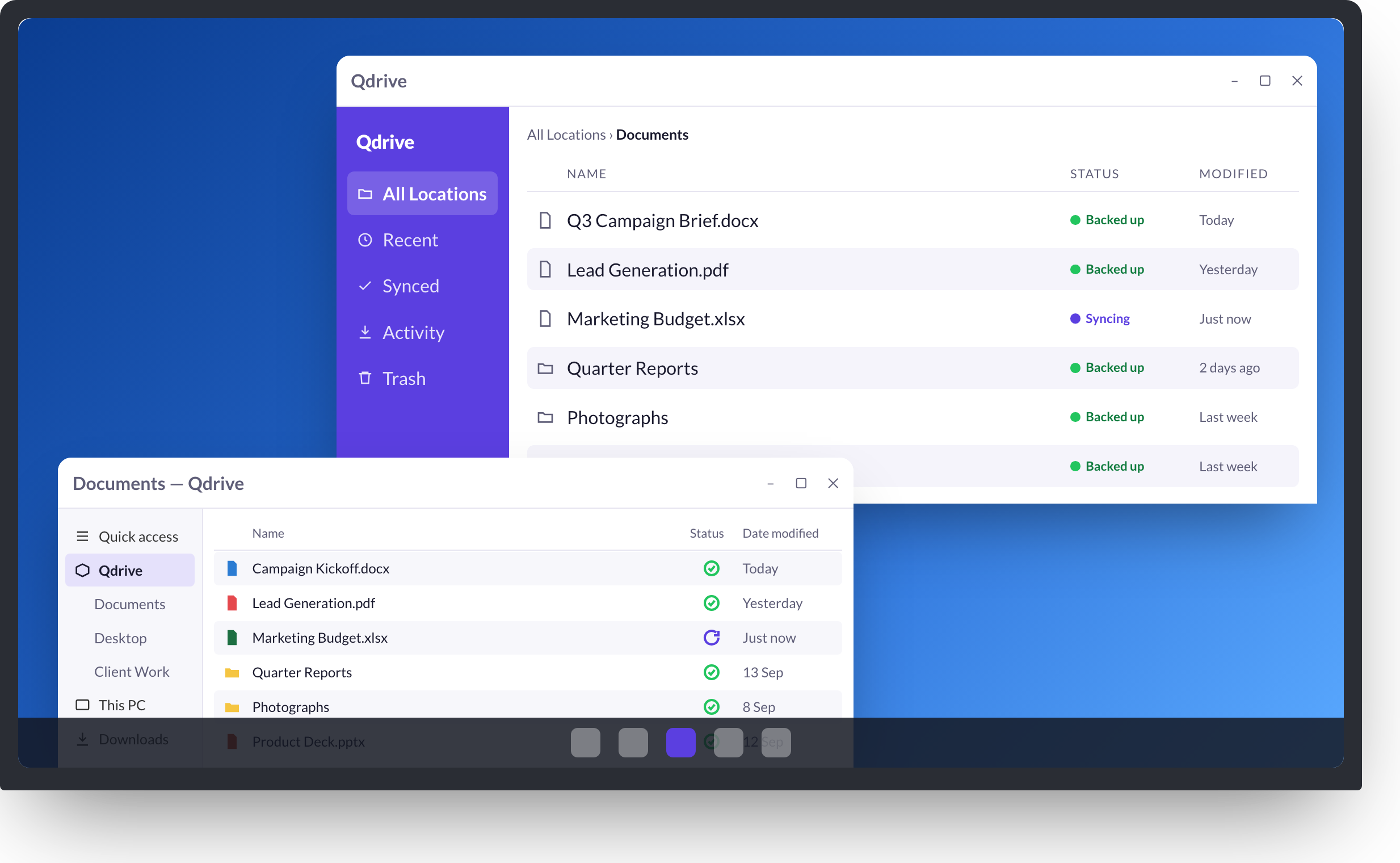
Keep the folders you already work in backed up, without moving them. Qdrive adds its own entry to Finder and File Explorer, and marks every file with its sync status.
Open the downloaded installer and follow the steps. Qdrive goes into Applications on a Mac, or installs for your account on Windows.
Launch it from Applications or the Start menu. The Qdrive entry appears in your file manager sidebar.
Enter your QuantaDrive username and password. Your device is registered, and the folders you add start backing up straight away.